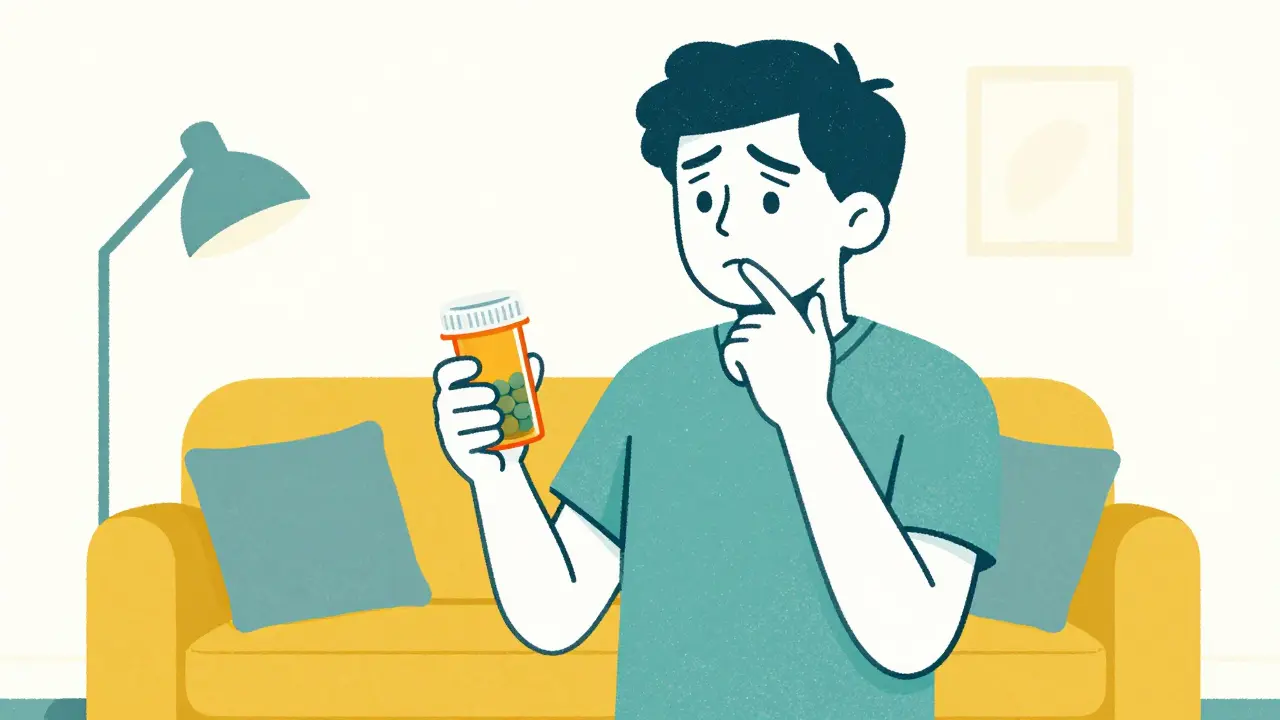
You walk out of the pharmacy with your medication, but by the time you get home and look at the bottle, you've forgotten exactly what the pharmacist said about the timing or a specific side effect. It happens to everyone. The problem is that while pharmacists are required to give you advice, getting those pharmacist notes in writing after you've already left the store is surprisingly difficult. In fact, nearly half of all medication errors happen during the administration phase-meaning when you're actually taking the drug at home-often because a key counseling point was missed or forgotten.
Quick Guide to Verifying Your Medication Instructions
- At the Counter: Always ask for a printed summary of counseling points before leaving; this is the only 100% reliable method.
- Mobile Apps: Check your pharmacy app 24 to 48 hours after pickup, as digital notes often have a synchronization delay.
- Identity Check: Be ready with biometric ID or security questions, especially for controlled substances, to unlock private notes.
- Direct Request: If notes aren't online, call the pharmacy and request an email summary of the counseling session.
Why Checking Counseling Notes Is a Safety Essential
Most people assume that the printed label on the bottle is the full story. However, the label is just a summary. Pharmacist Counseling is a professional service where a pharmacist explains the purpose, dosage, and potential risks of a medication to ensure the patient uses it safely. Under a law known as OBRA-90, pharmacists are legally required to offer this counseling for all new prescriptions. Despite this, the documentation of that conversation isn't always easy for the patient to find.
The danger lies in the "gap" between the conversation at the counter and the first dose at home. Research shows that confirming these points within 24 hours of pickup can reduce medication errors by over 22%. If you're unsure whether to take a pill with food or avoid sunlight, waiting three days for a digital portal to update isn't an option.
How to Access Notes Across Major Pharmacy Chains
Depending on where you fill your prescriptions, the process for finding your notes varies wildly. Chain pharmacies generally have better digital tools, but they come with their own set of hurdles.
| Pharmacy Type | Typical Access Method | Wait Time for Notes | Reliability Rate |
|---|---|---|---|
| CVS Pharmacy | Mobile App (Biometric ID) | Up to 48 Hours | High (87% success) |
| Walgreens | App (Auth Code) | 24 Hours | Moderate (62% consistency) |
| Rite Aid | Online Portal (Security Qs) | Varies | Moderate |
| Independent Pharmacies | Direct Request/Phone | Immediate (if paper) | Low Digital Access (33%) |
| Kaiser Permanente | Integrated Patient Portal | Same Day | Very High (98.7%) |
If you use CVS Pharmacy, you'll likely find the most intuitive digital experience, but keep in mind that notes for controlled substances are often restricted due to DEA regulations. For Walgreens users, the secret is to complete your identity verification on-site; doing so can slash the wait time for notes from 24 hours down to just four.
Step-by-Step: Confirming Your Points After You've Left
If you've already picked up your meds and realized you're missing critical information, follow these steps to get a confirmation of your counseling points.
- Check the Mobile App Immediately: Navigate to your prescription history. Look for a section labeled "Pharmacy Notes" or "Counseling Details." If it's not there, don't panic-most systems take 24 to 72 hours to sync the pharmacist's handwritten or typed notes to the cloud.
- Verify Your Identity: Many portals won't show counseling notes until you've passed a security check. This might involve a biometric scan (FaceID/Fingerprint) or answering questions about your prescription history.
- Call the Pharmacist Directly: If the digital portal is empty, call the store. Ask specifically for the "counseling documentation" for your recent pickup. Use the phrase "I want to verify the counseling points for my safety" to signal that this is a medical necessity, not just a general question.
- Request an Email Summary: Digital portals are often clunky. Asking the pharmacist to email a quick summary of the key points has a high success rate (around 89%) and gives you a timestamped record you can refer to.
Common Roadblocks and How to Solve Them
You might run into a few walls when trying to get this information. One of the most common is the "Chain Inconsistency." You might find that one location of a big-box pharmacy is great at uploading notes, while the branch two miles away doesn't do it at all. This is often due to how individual pharmacists handle their documentation software.
Another hurdle is HIPAA, the federal law protecting patient health information. Some pharmacy directors cite HIPAA as a reason they can't easily email notes or provide them through a third-party app. To bypass this, always use the pharmacy's official encrypted portal or verify your identity via phone before requesting a transfer of information.
For those taking controlled substances, the barrier is even higher. Because of strict DEA (Drug Enforcement Administration) rules, documentation is handled with more scrutiny. If you can't see your notes online, it's likely because the system requires a physical ID check that hasn't been linked to your digital profile yet.
Pro Tips for Future Pickups
The best way to avoid the stress of hunting down notes is to change how you handle the pickup process. Instead of just nodding along at the counter, try these tactics:
- The "Paper First" Rule: Ask, "Can I get the counseling points in a printed summary?" Pharmacists are used to this request and are generally happy to provide it.
- The Photo Method: If they have a printed sheet of warnings or a handwritten note, ask if you can snap a quick photo of it for your records before you leave.
- Use Integrated Systems: If you have a choice in providers, integrated health systems (like Kaiser) tend to have nearly 100% same-day availability for notes because their pharmacy and doctor use the same electronic health record.
Why can't I see my pharmacist's notes in the app immediately?
Most pharmacy systems have a synchronization delay. Data entered by the pharmacist at the point of sale often takes 24 to 72 hours to migrate to the patient-facing portal. This is a technical limitation of the pharmacy management software, not necessarily a lack of effort by the pharmacist.
Is the pharmacist legally required to give me written notes?
Under OBRA-90, pharmacists are required to offer counseling. While they must document that they offered it, they aren't always required by federal law to provide a written copy to the patient unless requested or required by state law. However, most will provide one if you ask for it at the time of pickup.
What should I do if I get different answers from different pharmacy locations?
This is a common issue due to varying documentation practices between stores. If you receive conflicting information, request to speak with the Pharmacy Manager (the PIC or Pharmacist-in-Charge). They have the authority to override system settings or manually send you the documentation you need.
How do I verify counseling points for controlled substances?
Due to DEA regulations, these medications have stricter access controls. You will almost always need to provide a government-issued ID at the store before any digital notes are released to your app or portal. If you can't see them, call the pharmacy to verify that your ID was properly scanned and linked to the prescription.
Are there any apps that provide real-time medication summaries?
Some independent pharmacies are starting to use platforms like ScriptPath's MedConfirm, which sends an SMS summary of counseling points immediately after pickup. While not yet widespread, you can ask your local independent pharmacist if they use any real-time verification technology.
Next Steps for Different Users
For New Patients: If you're starting a complex medication for the first time, don't rely on the app. Request a physical printout of the counseling points and a list of "red flag" side effects before you leave the store.
For Chronic Care Patients: If you've been on the same meds for years, use your next refill to audit your records. Check if your pharmacy app is actually updating your notes or if it's just showing a generic template. If it's generic, ask your pharmacist to add a specific, personalized note regarding your unique reactions to the drug.
For Caregivers: When picking up meds for someone else, specifically ask the pharmacist for a "Caregiver Summary." This ensures that the instructions you're relaying to the patient are exactly what the professional intended, removing the risk of a "game of telephone" with medical data.
8 Comments
David SnyderApril 13, 2026 AT 02:54
This is a really helpful breakdown of a confusing process. It's great to see a clear way to handle these gaps in communication so people can feel more confident with their health.
Kenzie EvansApril 14, 2026 AT 18:57
Who actually writes these things? The whole 'waiting 48 hours' thing is just a lazy excuse for bad software. If you can't get a basic text file to sync in real-time in 2024, you're basically admitting the system is broken and you're just hoping patients don't notice.
Scott LofquistApril 14, 2026 AT 23:11
Actually, the OBRA-90 requirement is way more nuanced than this post makes it seem 🙄. Most people don't even realize that 'offering' counseling isn't the same as 'providing' it if the patient declines. It's a moral failing of the industry to rely on these clunky apps when we should be prioritizing direct human interaction over a biometric scan 🤡💊.
Tabatha PughApril 16, 2026 AT 01:43
The biometric ID part is just a way for them to track your data across multiple platforms. I've seen the back-end of these portals and they're designed to keep you in a loop of verification so you don't actually see the notes unless you've spent ten minutes fighting the interface.
Clint HumphreysApril 16, 2026 AT 19:30
It's honestly quite interesting how they mention the DEA regulations as a barrier, because if you really look at the architecture of these corporate pharmacy chains, the 'synchronization delay' is likely just a smokescreen to allow them to scrub or edit counseling points before the patient sees them in writing, ensuring that the company isn't held liable for any conflicting advice given by a stressed-out tech at the counter while they harvest your biometric data for some larger health-surveillance database that the government definitely already has access to anyway.
john chiongApril 18, 2026 AT 05:35
absurd that we live in a world where a simple piece of paper is considered a pro tip. total circus out here
melissa macApril 19, 2026 AT 18:45
I think it's important to remember that pharmacists are often incredibly overworked in these chain environments. If you're struggling to get your notes, try being patient and kindly explaining your needs; a little bit of empathy usually goes a long way in getting a manager to help you out with a manual summary.
Olivia LoApril 20, 2026 AT 19:24
From an epistemological perspective, the reliance on digital intermediaries creates a precarious semiotic gap between the clinician's intent and the patient's understanding. While the systemic inertia of these legacy pharmacy management systems is regrettable, the proactive pursuit of a physical heuristic-such as the printed summary-serves as a necessary cognitive anchor to mitigate the risk of iatrogenic harm. We must balance the efficiency of the digital paradigm with the ontological necessity of clear, unmediated communication to ensure therapeutic adherence is not compromised by a mere synchronization latency.